 Pumpkin Head Studio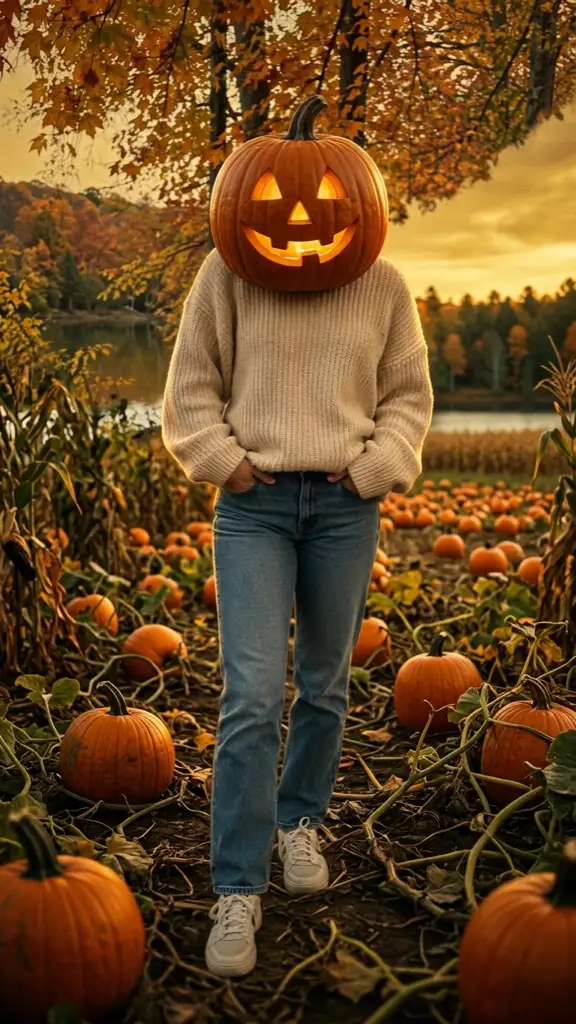
What you need
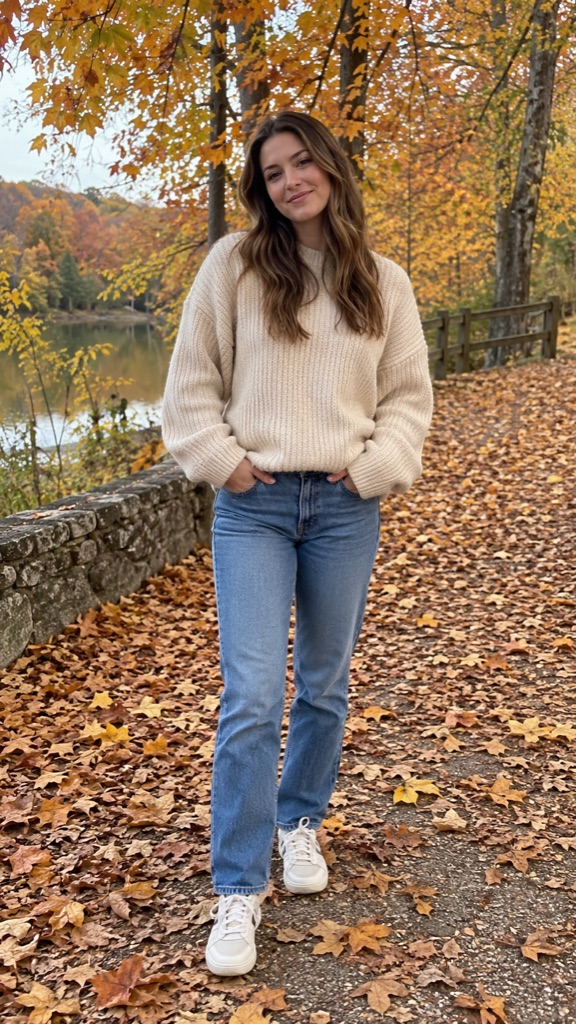
One photo and a Google account. That's it – no app, no pumpkin, no editing skills. The photo should show you (or you and a few friends, or your pet) from at least the waist up, in normal light. A phone snapshot is fine; every original photo below is a casual, phone-style picture.
Signing in is free and gives you one free low-resolution preview with a watermark, so you can check the result before you pay anything. Full-size images use credits from a one-time pack (1 credit per image, packs from $4.99, no subscription).
Step 1–3: upload, confirm, pick a scene
Scroll to the generator at the top of this page or the pumpkin head trend generator home page and add your photo. The tool checks it right away and may show a tip – for example that the photo looks like more than one person. Tips are suggestions; you can still continue.
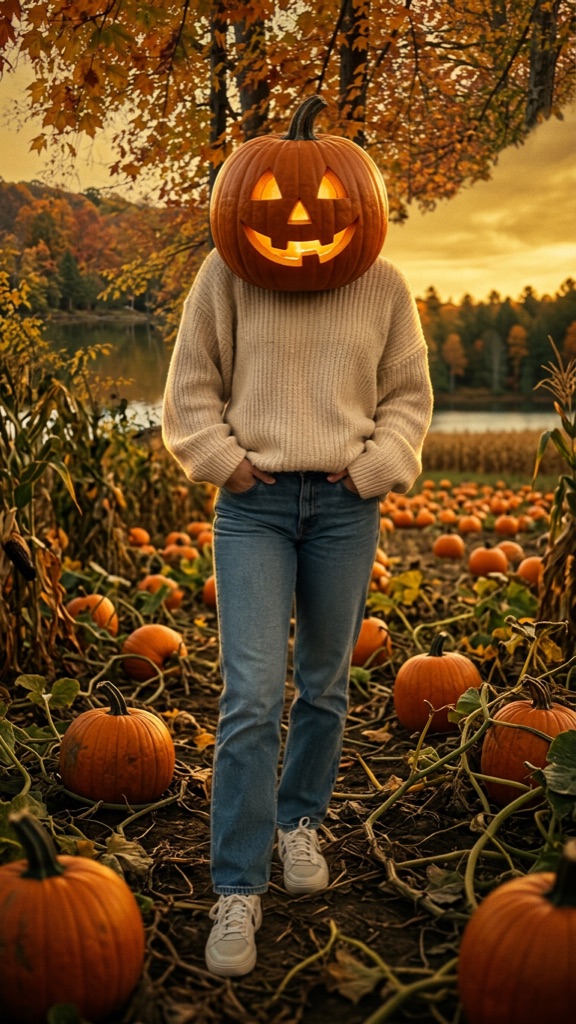
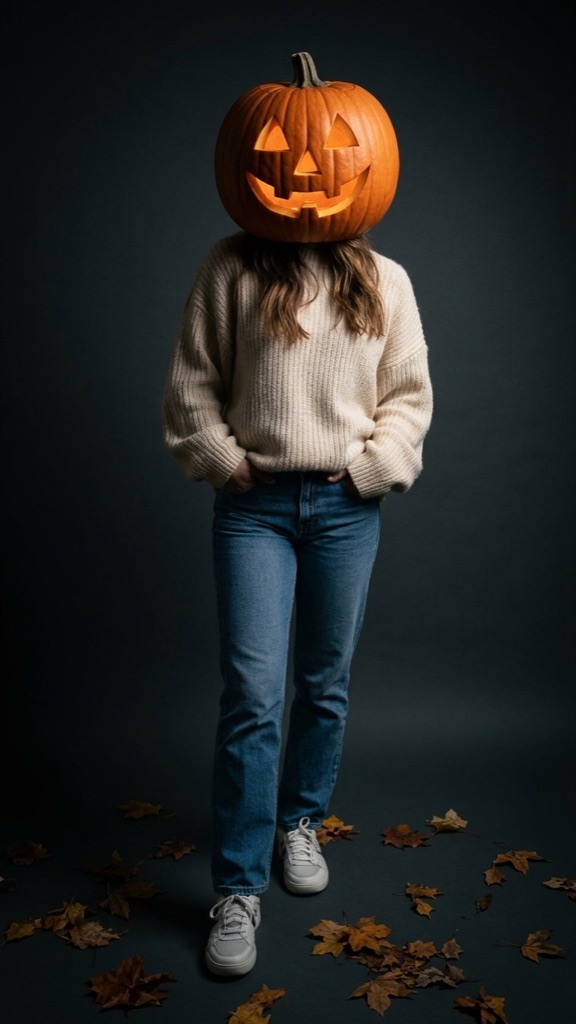
Tick the box to confirm everyone in the photo is you, an adult who agreed, or your own pet – not a public figure and nobody under 18. Then pick a scene: Pumpkin patch (golden hour in a field), Dark studio (editorial portrait on a dark backdrop) or Fall flowers (a small autumn bouquet in your hands).
Step 4: generate and download
Press the main button. If you have no credits yet, the button shows the price and takes you to checkout; after paying you come back and generation starts automatically with the same photo and scene. In our tests an image takes about 51 seconds. You can close the page – the result is saved in My images.
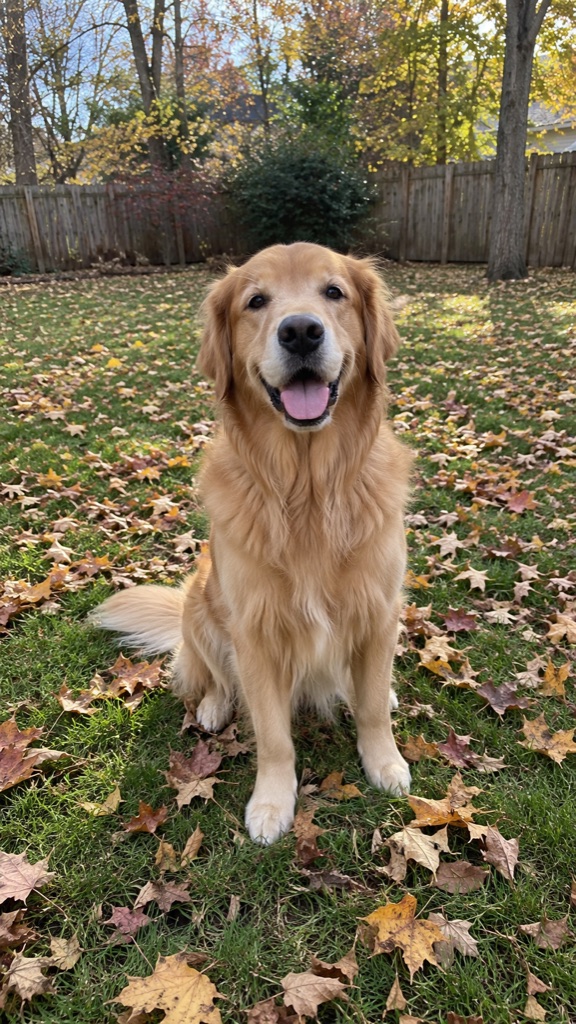
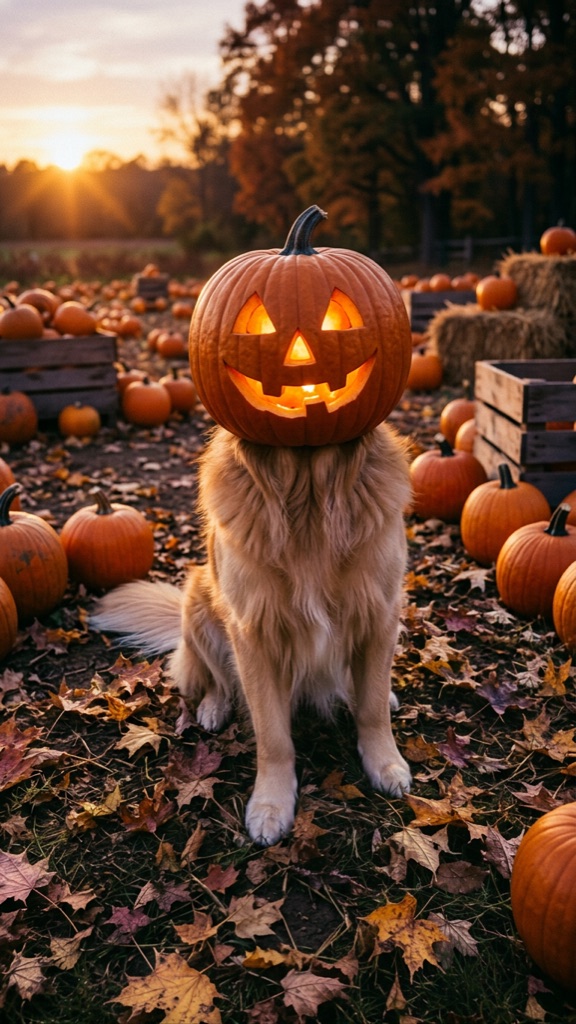
These are real inputs and outputs from the tool, with no retouching. The people are AI-generated examples, not real customers. Each output keeps the outfit, pose and hands and replaces only the head(s).
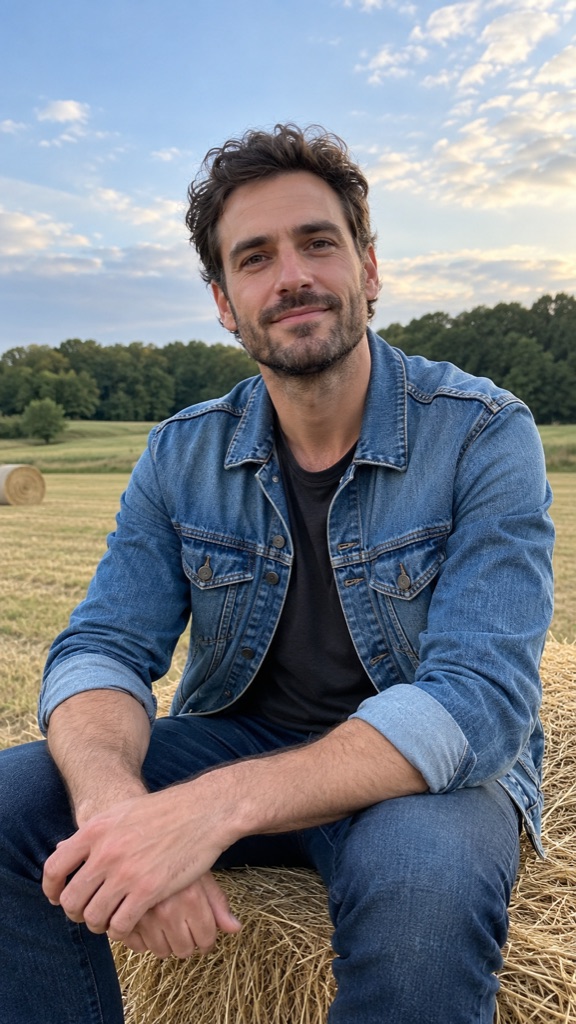
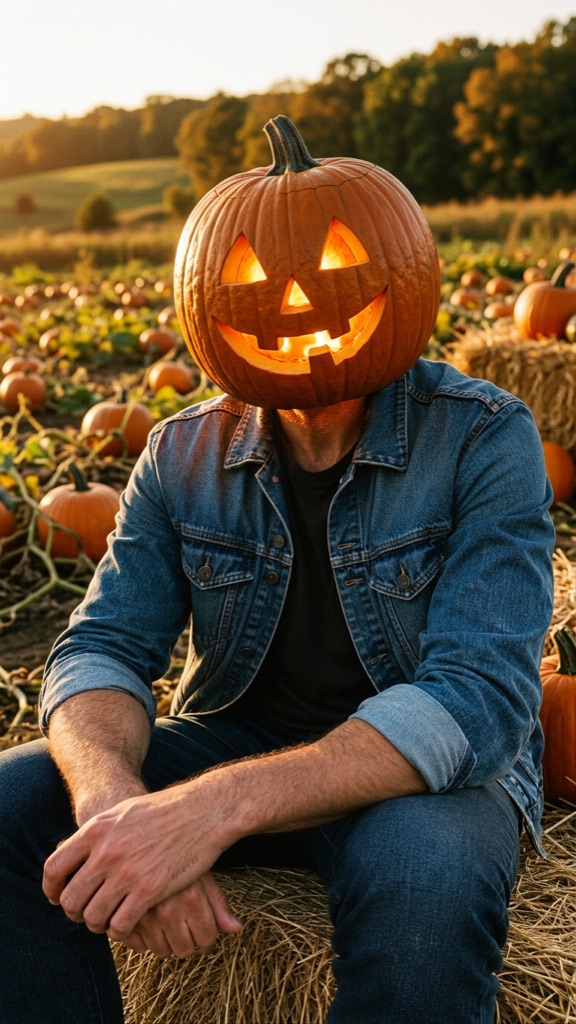
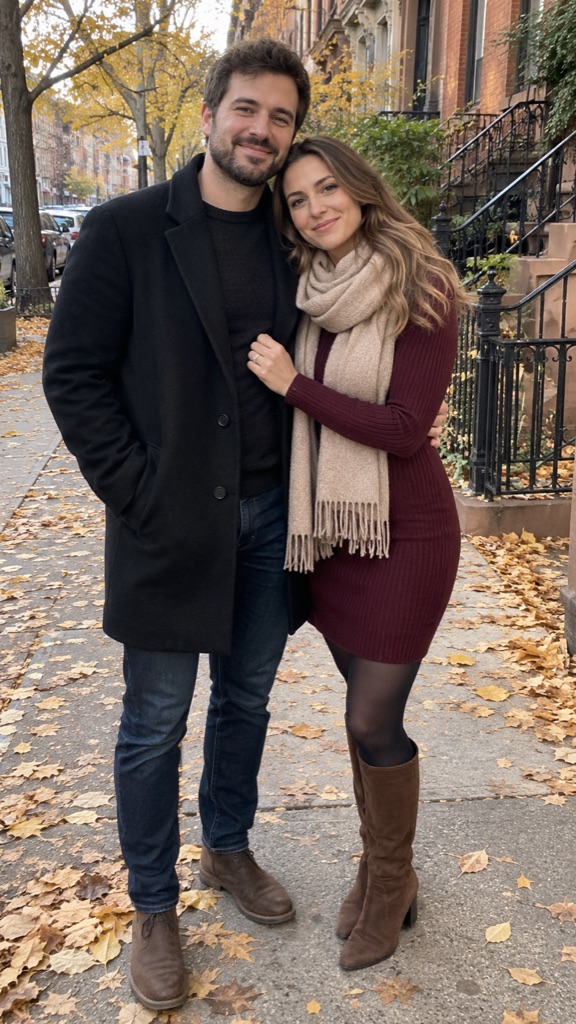
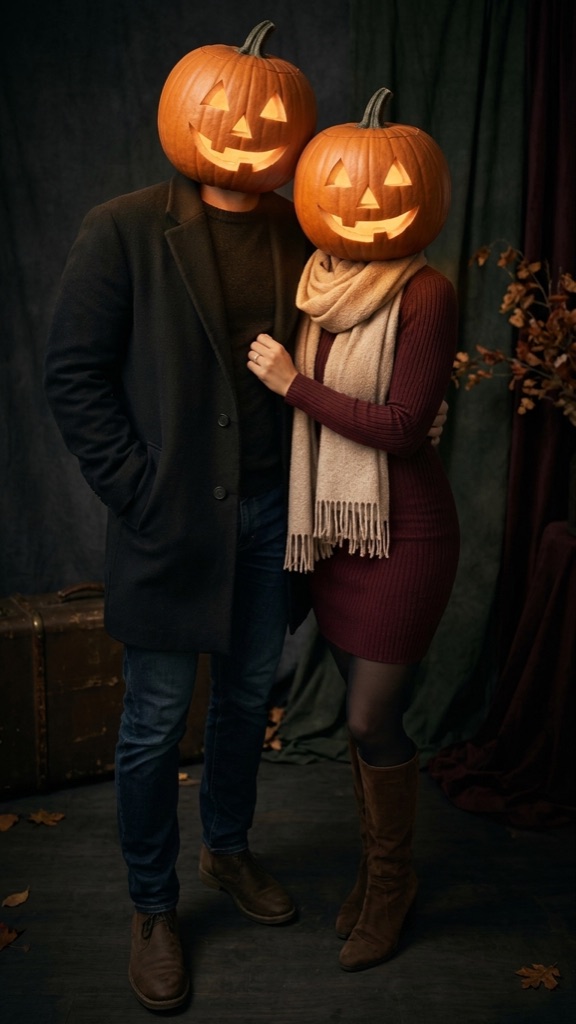
Step 5: turn it into a reveal video
Under every finished image there is a “Make my reveal video” button (5 credits). Pick Halloween Night Falls or Floating Lanterns. The video opens on your original photo for one second, flashes, and lands on your pumpkin head in a moving Halloween scene – about 6 seconds in total, vertical, with a short atmospheric soundtrack. It usually takes about 3 minutes.
The original photo in the intro is exactly the one you uploaded. Uploaded photos are deleted after 7 days, so a video made after that has no “before” intro – the button tells you when that is the case.
Photos that work – and ones that don't
Work well: full-body or waist-up shots, one to four people standing close together, pets, normal daylight or indoor light. Sunglasses and hats are fine here, since the head is replaced anyway.
Don't work: photos smaller than 300 pixels on the short side (the upload stops with a message), very dark or heavily filtered pictures, close-up selfies of just a face (there is no outfit to keep), and any photo with someone under 18 – those are not allowed.
If something goes wrong
If a generation fails or is stopped by the automatic safety check, your credit goes back to your account automatically and the page tells you what happened. A failed free preview does not use up your preview.
If you simply don't like the result, email support and we refund you – no need to try again first. For posting tips and outfit ideas, see the pumpkin head photoshoot guide.